
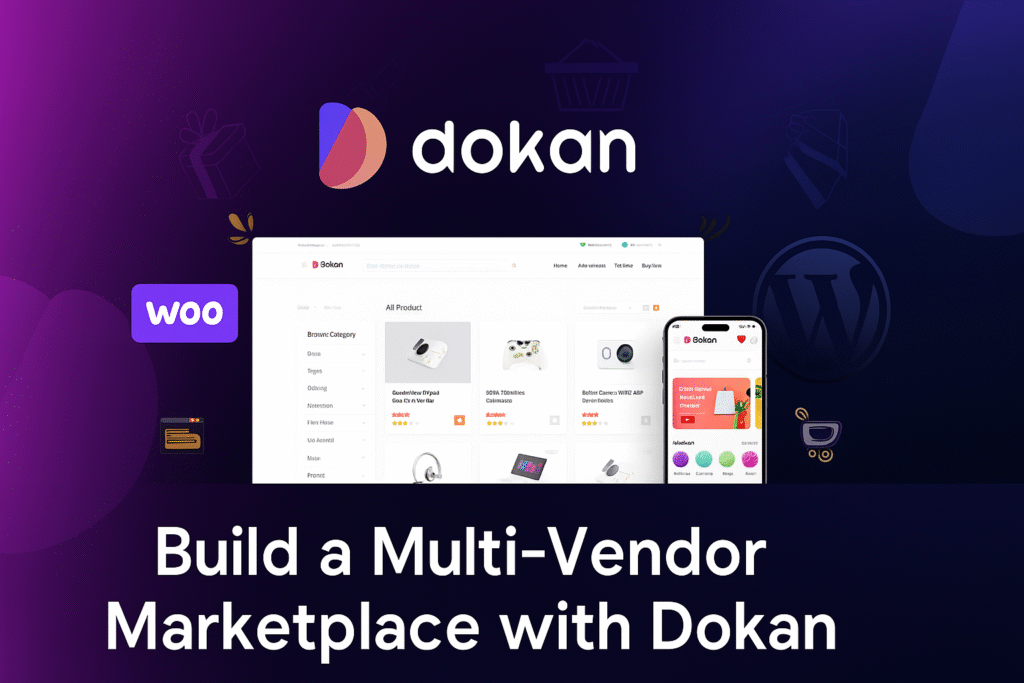
Have you ever dreamed of running your own Amazon-style marketplace right from your WordPress site? Well, thanks to Dokan, that dream can be a whole lot easier (and way less intimidating) than you think.
Whether you want to sell handmade crafts, digital downloads, or even something as niche as vintage teacups, Dokan lets you turn your WooCommerce store into a full-blown multi-vendor marketplace — without needing to code like a tech wizard.
Let’s walk through what makes Dokan such a game-changer.
What is Dokan, Anyway?
Dokan is a WordPress plugin that works alongside WooCommerce to let multiple vendors sell their products on your site. Think of it like renting out stalls in your own virtual marketplace — each seller gets their own dashboard, manages their own products, and handles orders, while you (the marketplace owner) take a commission from each sale.
It’s like being the landlord of a bustling shopping mall… except online.
Why Store Owners Love Dokan
Here’s why so many people swear by it:
- Super Easy Setup – You can literally get a basic marketplace running in under an hour.
- Vendor-Friendly Dashboards – Each seller gets their own front-end dashboard so they don’t have to deal with the messy WordPress admin panel.
- WooCommerce Compatibility – If you’re already using WooCommerce, Dokan just slots right in.
- Flexible Commission Options – Percentage, flat rate, per vendor, per product — you’re in control.
- Scalable – Works for tiny niche markets or huge marketplaces with thousands of vendors.
Cool Features You’ll Get
Dokan isn’t just “multi-vendor support” and done — it’s packed with features that make life easier for both you and your vendors:
- Product Management – Vendors can add, edit, and manage their own products.
- Shipping Management – Each vendor sets their own shipping rules.
- Earnings & Reports – Built-in analytics so vendors can track sales and performance.
- Withdrawal System – Vendors can request payouts directly from their dashboard.
- Reviews & Ratings – Buyers can rate vendors, helping build trust.
Getting Started with Dokan
Here’s the quick start recipe:
- Install WooCommerce – Dokan needs it to handle products and payments.
- Install Dokan – You can grab the free version from the WordPress plugin directory.
- Run the Setup Wizard – It’ll guide you through commissions, vendor settings, and store appearance.
- Invite Vendors – Get sellers to sign up and start adding products.
- Launch Your Marketplace – Promote it to shoppers and watch the magic happen.
Free vs Pro — What’s the Difference?
The free version is great for testing the waters. But if you want extra features like subscription packages, live chat, booking systems, or advanced shipping, the Pro version is where it shines.
Think of free as your starter pack… and Pro as the fully loaded toolkit.
Final Thoughts
If you’ve been itching to start your own online marketplace, Dokan is one of the easiest and most reliable ways to make it happen — no sleepless nights wrestling with complicated code.
So… ready to launch your marketplace empire? 🚀 Install Dokan, invite a few vendors, and start building something amazing today.